Docs / Features
Framing, Crop, and Guides
Shoot in another ratio or focal length, or add composition lines.
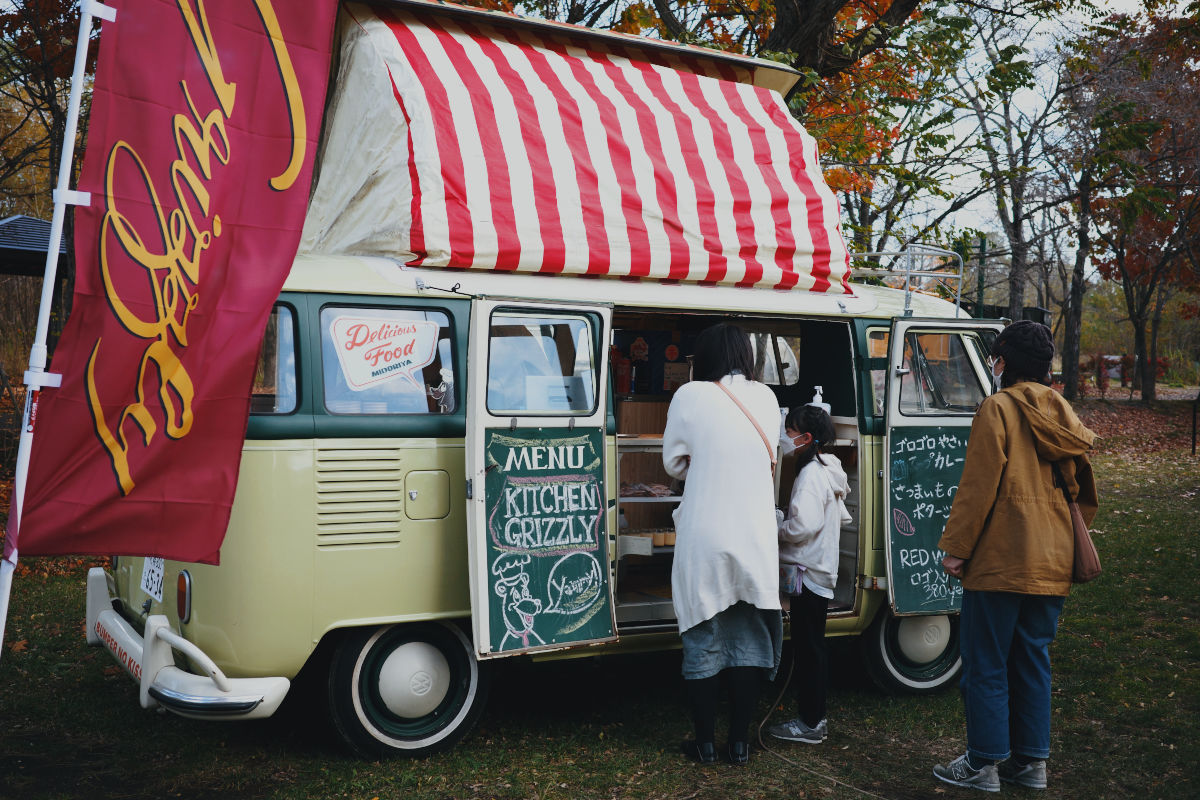 XPan 65:24
Aspect Ratio
Mask
Photo: MIKI Yoshihito, CC BY 2.0
Framing
- Where
- ADJ › GRK › Framing
- JPEG
- Cropped to the ratio
- DNG
- Stays 3:2
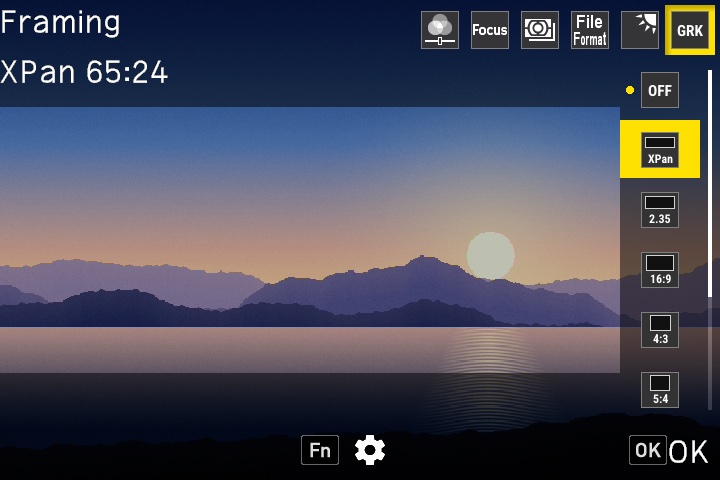
Press Fn to set Mode and Mask. Guides Only shows the frame and keeps the whole photo.
Crop
- Where
- ADJ › GRK › Crop
- Choices
- 35, 40, 50, 70 mm
- GR IIIx
- 50, 57, 71, 100 mm
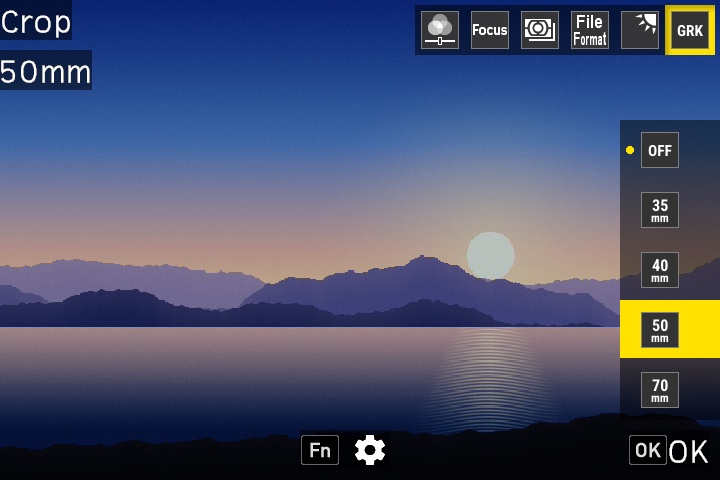
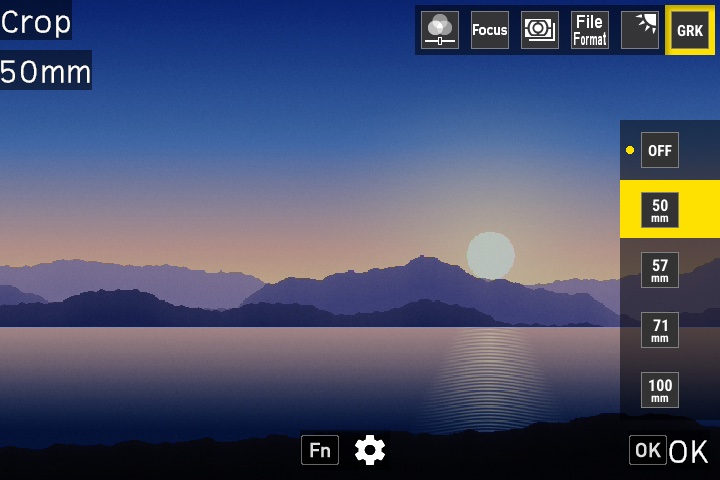
Press Fn to set Mode and Mask. Frame Only shows the frame and keeps the whole photo. To keep the whole sensor picture in the DNG, turn on Uncropped RAW.
Guides
Thirds, Center, Golden Ratio, Diagonals, Golden Spiral, and Dynamic Symmetry. The lines are on the screen only, not in the photo. Press Fn to set Color, Opacity, and Hide with DISP.
Still stuck? Report a problem