Docs / Fix a problem
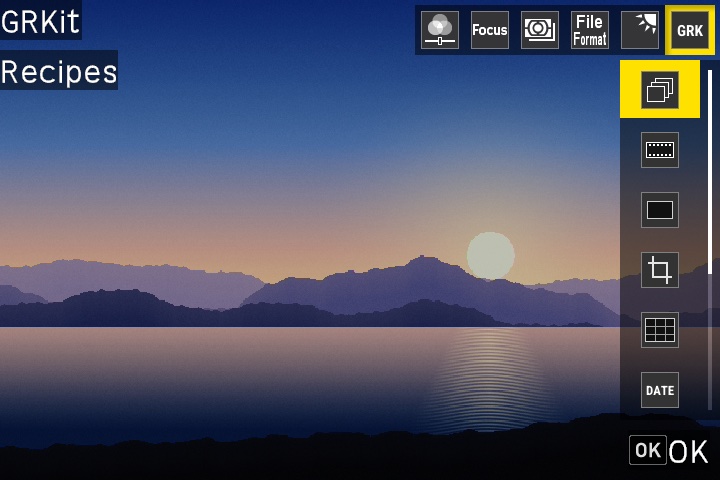
GRK does not show
Answer up to three questions to find the cause.
Find the problemQuestion 1
What does the camera do after power-on?
GRKit loads about 8 to 10 seconds after power-on. GR IV and the first start after an install or update take longer.
Error numbers
The number is in INSTALL.ERR, in REPORT.TXT, or after a module name on the Modules page.
| Number | Meaning | What to do |
|---|---|---|
| 47, 48 | GRKit does not know this firmware build. | Update the firmware and GRKit. If the error stays, run the firmware dump. |
| 60, 61, 62 | The start script did not finish. | Write the card again. If the error stays, send a report. |
| 36, 37 | The files on the card do not match. | Write the card again. |
| 30, 31 | GRKit cannot read the film looks. | Write the card again. If the error stays, try another card. |
| 50 to 57 | A module did not load. | Update GRKit. If the error stays, send a report. |
| Other | GRKit stopped for another reason. | Send a report with the number. |
Send a report
Open the report form. Give your camera model and firmware version. Attach the files that the card has.
SCRIPT/GRKIT/INSTALL.ERRWhy the install stoppedGRKIT/REPORT.TXTCamera, firmware, and GRKit versionGRKIT/BOOT.TXTWhat happened at startup
Still stuck? Report a problem