Docs / Get started
Install GRKit
Write GRKit to a memory card, then turn on SD scripts once.
Write the card
Use Chrome or Edge on a computer, with a card reader. The USB connection of the camera does not work for this.
- Open the install page. Select your camera, firmware, modules, and film looks.
- Select Connect SD card. Select the card itself, then allow editing.
- Review the changes and write the card. Your photos stay on the card.
Other browsers
- On the install page, download GRKit.zip.
- Copy the contents of
SD_ROOT, not the folder itself, to the card root. - Make sure that the card root now has the
SCRIPTfolder.
First start
Do this once. The SD script setting stays on for every card.
- Turn the camera off and insert the card.
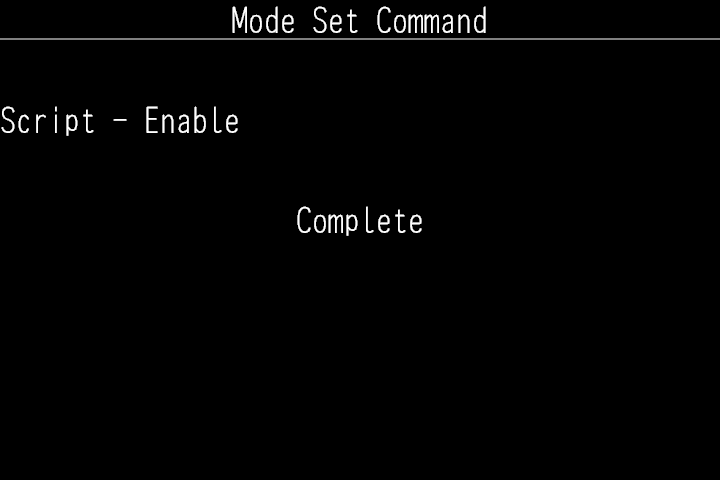
- Hold MENU and turn the camera on.
- Wait until the camera shows Complete and turns itself off.
- Turn the camera on normally.
Use GRKit
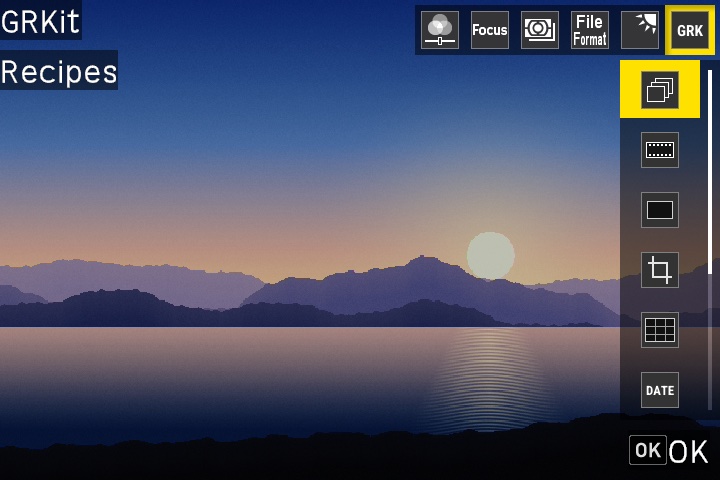
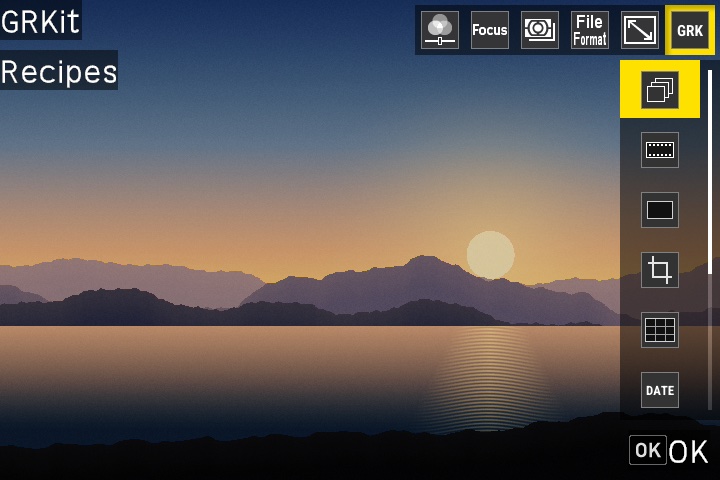
GRKit loads about 8 to 10 seconds after power-on. GR IV and the first start after an install or update take longer. The shooting screen then shows GRKit at the top.
- In shooting mode, press ADJ and select the sixth entry, GRK.
- Select a feature and highlight a choice.
- Press OK to keep it. Press Fn for more settings.
Still stuck? Report a problem