Docs / Features
Recipes
Save a look with its camera settings and switch to it in one step.
A recipe holds Film Look or Image Control, grain, glow, white balance, the correction and exposure settings, and the border.
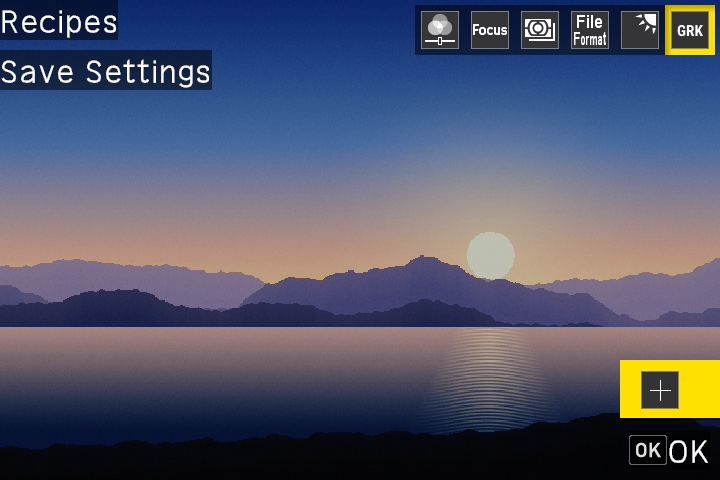
- Save: set your look, then select Save Settings in ADJ › GRK › Recipes.
- Apply: highlight a recipe to preview it, then press OK. Undo restores the camera settings.
- Rename or delete: press Fn on a recipe.
- Add more: select popular recipes on the install page.
Still stuck? Report a problem