Docs / Features
All GRKit settings
MENU › Customize Settings › GRKit section.
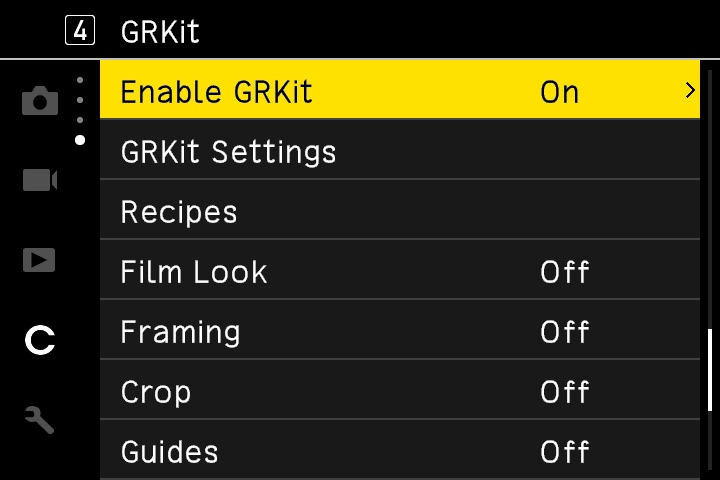
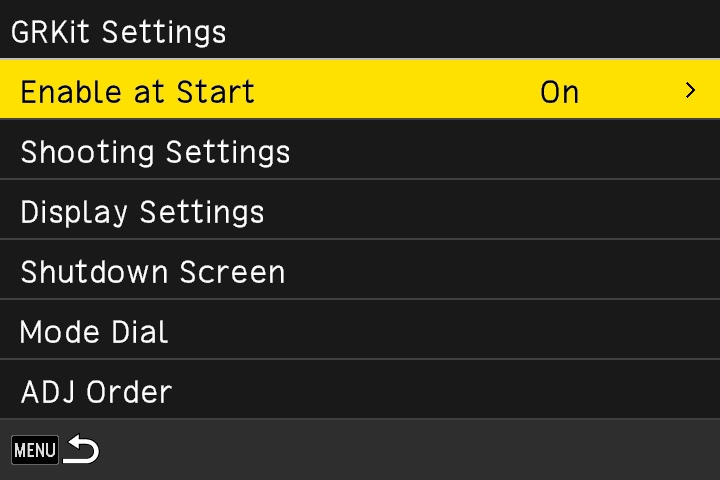
| Setting | What it does |
|---|---|
| Enable at Start | GRKit after each start: On, Off, or Keep Last. |
| Uncropped RAW | Keeps the whole sensor picture in each DNG. |
| Distance Unit | Shows focus distances in meters or feet. |
| Simplified Info. Battery | Shows the battery icon in the Simplified Info. Display. |
| Effect Icons in Playback | Shows the GRKit settings of a photo in the playback mode. |
| Custom Picture | Shows your own picture at power-off. |
| Show Text | Shows or hides the text over that picture. |
| Mode Dial | Sets GRKit for each dial position. |
| ADJ Order | Orders the modules, pins up to four in ADJ. mode, or hides one. |
Each module also has a row. Options selects the choices that ADJ. mode shows, and Order sets their order.
Still stuck? Report a problem