Docs / Features
RAW development
GRKit does not change the raw data. Develop a DNG in the camera with GRKit settings.
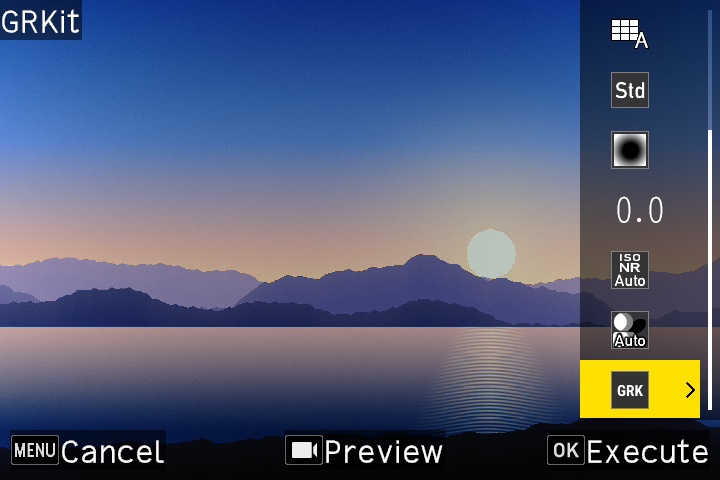
- Open a DNG in the playback mode and start RAW development.
- To change the film look, open the Image Control list.
- To set Grain, Glow, Border, or Date Imprint, open the GRK row at the end of the list.
- Run the development.
Development starts from the GRKit settings that the DNG records. The GRK values apply to that development only, and the Framing ratio stays.
On a computer
XMP readers such as exiftool show the GRKit settings of a photo. With Uncropped RAW, Lightroom and Camera Raw open the DNG with the crop of the shot, and you can undo that crop.
Still stuck? Report a problem